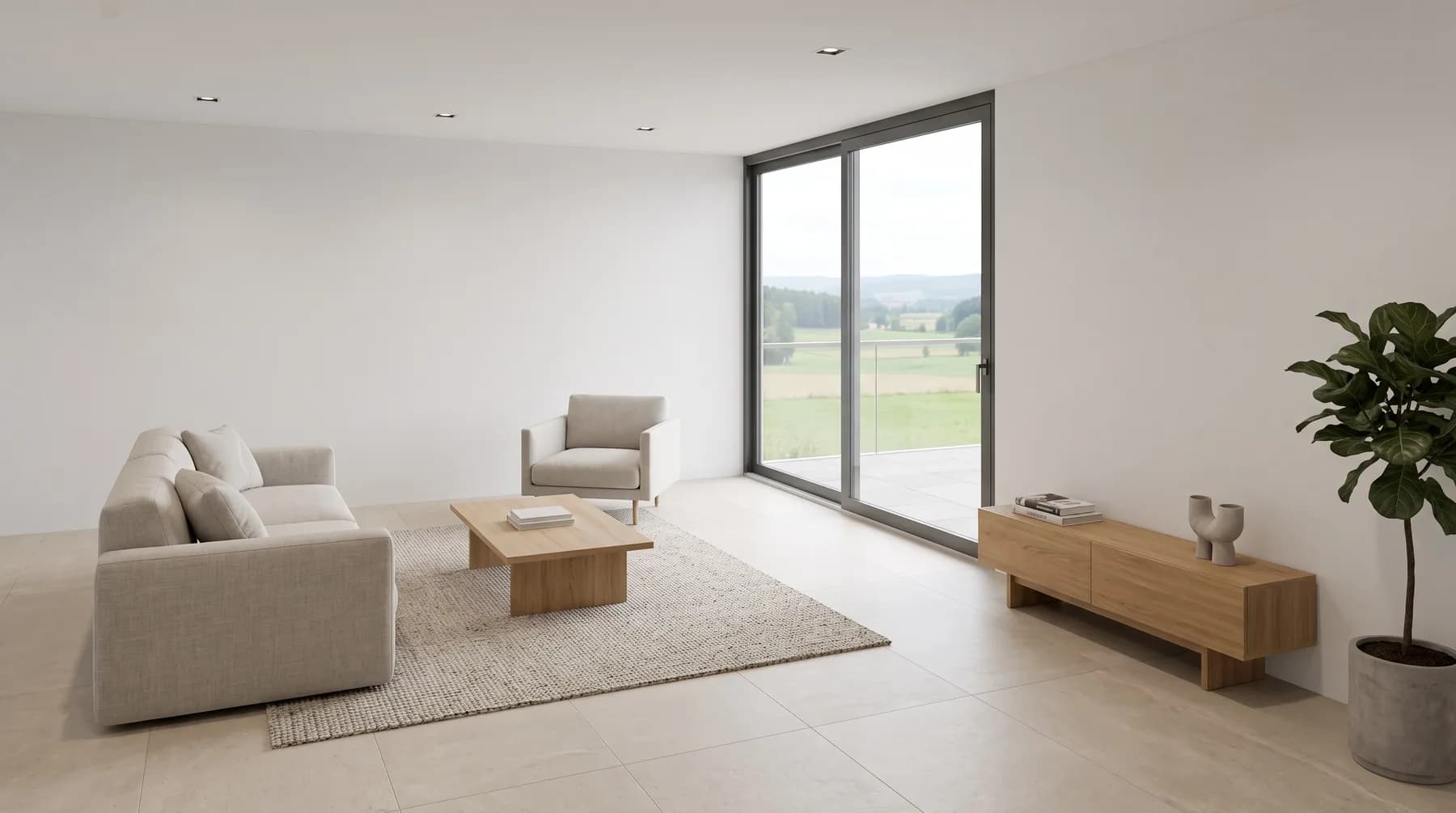
How it works
You pay per photo. Not per attempt.
A photo is a source image you edit with the AI. Every tool and every attempt on it is included. That's the whole rule.
The counter
Count once. Then work.
The photo counts at the first AI step. After that the counter doesn't move – whatever you do with it.
- UploadCosts nothing0photos
- +1EnhanceCounts – once1photo
- Try againIncluded1photo
- Add stagingIncluded1photo
- DownloadCosts nothing1photo
Five steps, one photo on the counter.
Attempts
Four styles. One photo.
Modern, Japandi, luxury, industrial – the same room, four attempts. The counter ends where it started: one.
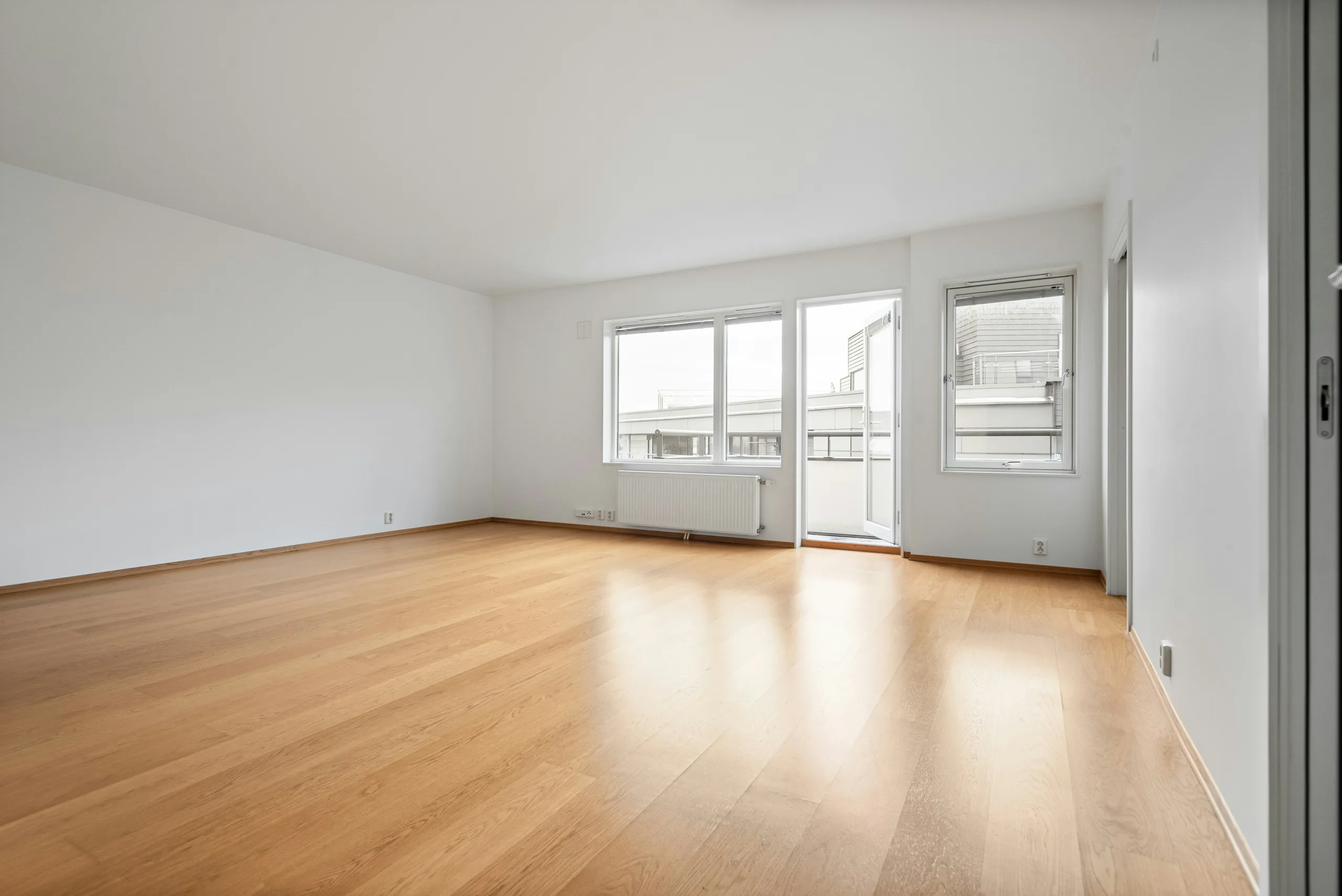
 Attempt 1included
 Attempt 2included
 Attempt 3included
 Attempt 4included
After eight attempts on the same photo we ask whether we can help – instead of counting on.
The models
nestermind AI for every photo. AI Nova by allowance.
Every photo runs on nestermind AI. Nova is our best model – and the most expensive. That's why every plan gives it a monthly allowance, with no surcharge per image.
nestermind AI
StandardThe model behind every photo: 2K for web and brochure, fast and clean. Unlimited within your photos.
- In every plan
- 2K
- All tools
nestermind AI Nova
Our best modelThe most precise editing: light, materials and furniture you want to touch – with the room left untouched. A Nova photo counts like any other photo – it just takes a slot in the Nova allowance.
- Most precise editing
- 2K
- Monthly allowance
Nova allowance per month
When the allowance is used up we ask you: extend it – or keep working on the photo with nestermind AI. No lock, no cost.
On Pro and Unlimited, staging and floor plans run on nestermind AI Nova automatically. You never pick a model.
4K download From Pro you download every photo in 4K – for print and large formats, with no counter. Editing always runs at 2K; you pick the resolution only when you download.
Examples
Three cases from everyday work.
What used to be credits and is now photos.
One listing, 15 photos
Enhance on all, staging on four empty rooms, two of them twice. On Starter, 5 photos remain.
- Before
- 21 credits
- Now
- 15 photos
One difficult kitchen
Six attempts until the worktop is right. Six credits before, one photo now – and it already counts, because it's one of the 15.
- Before
- 6 credits
- Now
- 1 photo
An agency, three listings
55 photos a month, staging and floor plans on nestermind AI Nova automatically, plus reels and posts with no counter. On Pro, 5 photos stay in reserve.
- Before
- ≈ 125 credits
- Now
- 55 photos
Why this way
Because the price should follow the result.
We looked at how people actually work in the Studio. Three things were clear.
01
An attempt is not a result.
You pay for the finished image you use. If the AI gets it wrong, that's our problem – not your account.
02
One line has to be enough.
Anyone who has to calculate before every click doesn't click. One photo, every tool, every attempt: no more rule needed.
03
Nova where it matters.
Staging and floor plans are the tools where precision decides. That's exactly where we use nestermind AI Nova – automatically.
- 2.3
- attempts a photo needs on average
- 1 in 2
- photos is right at the first attempt
- 8
- attempts before we check in
Studio figures, July to September 2026.
Frequently asked questions
No. Enhance followed by staging on the same photo is one photo.
One photo. Every tool. Every attempt.
Start for free with 10 photos – no credit card.
Start for free